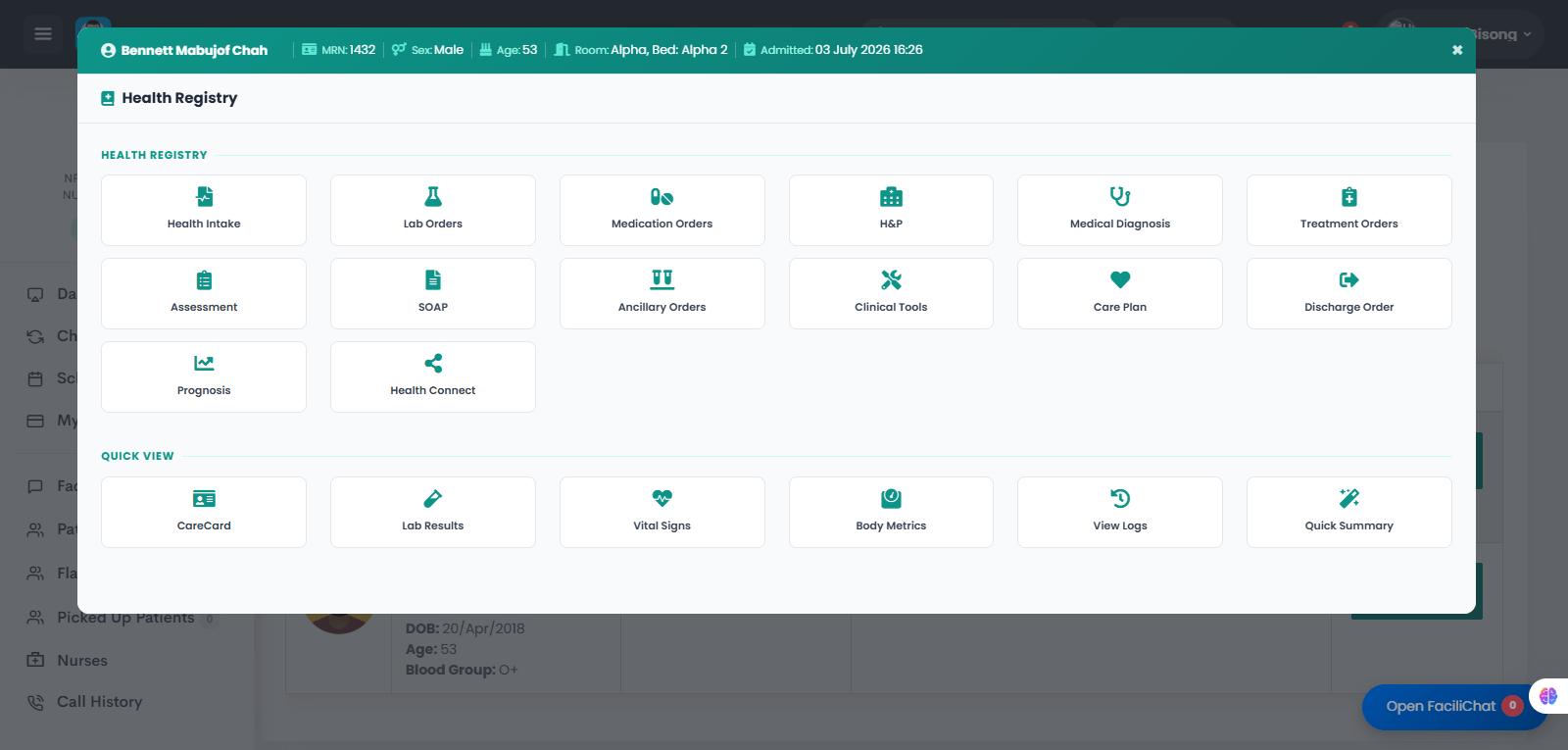
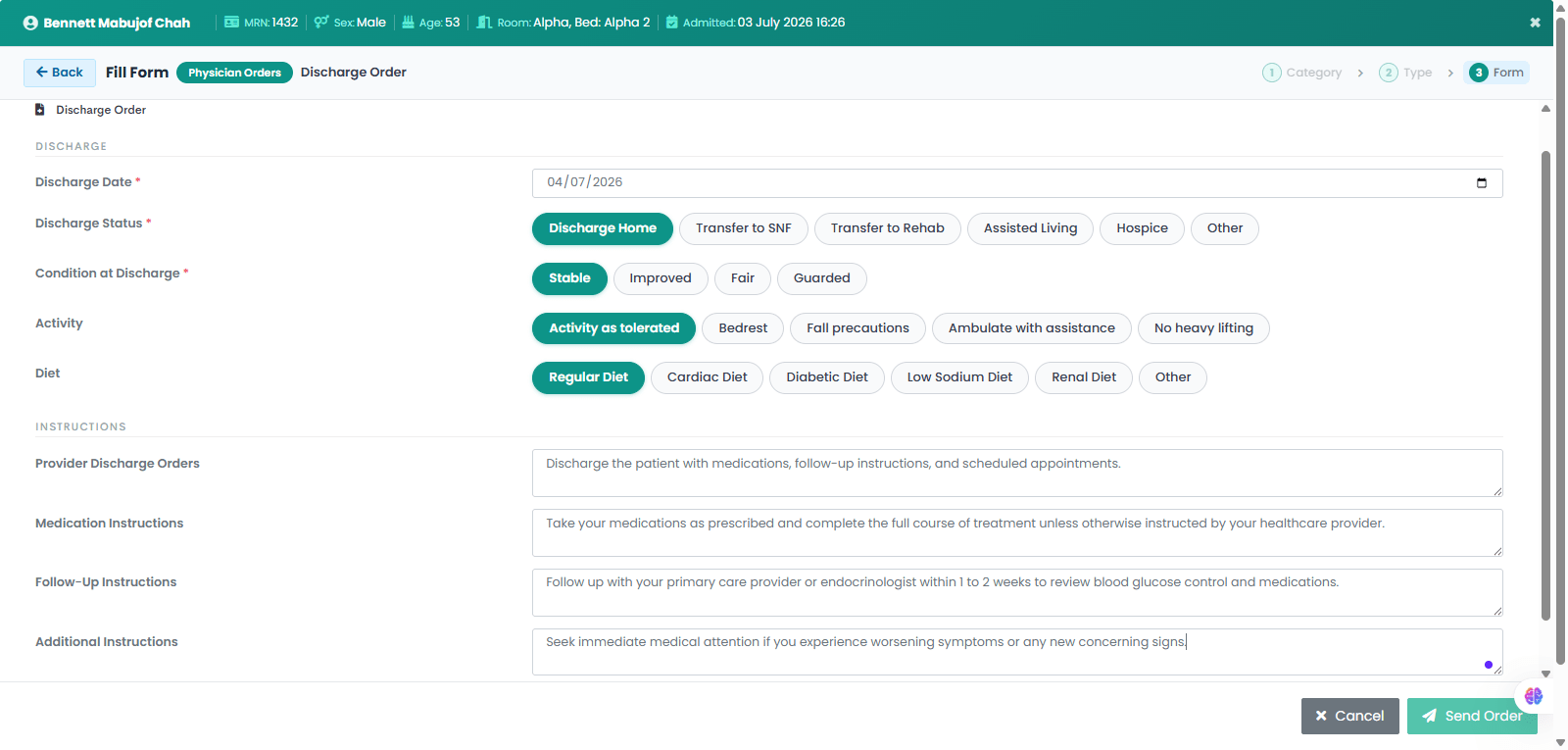
The provider opens the patient's Health Registry to access the complete electronic medical record. From the registry, the provider selects Discharge Order to document the patient's discharge plan, including discharge status, condition, activity, diet, medications, follow-up care, and discharge instructions.
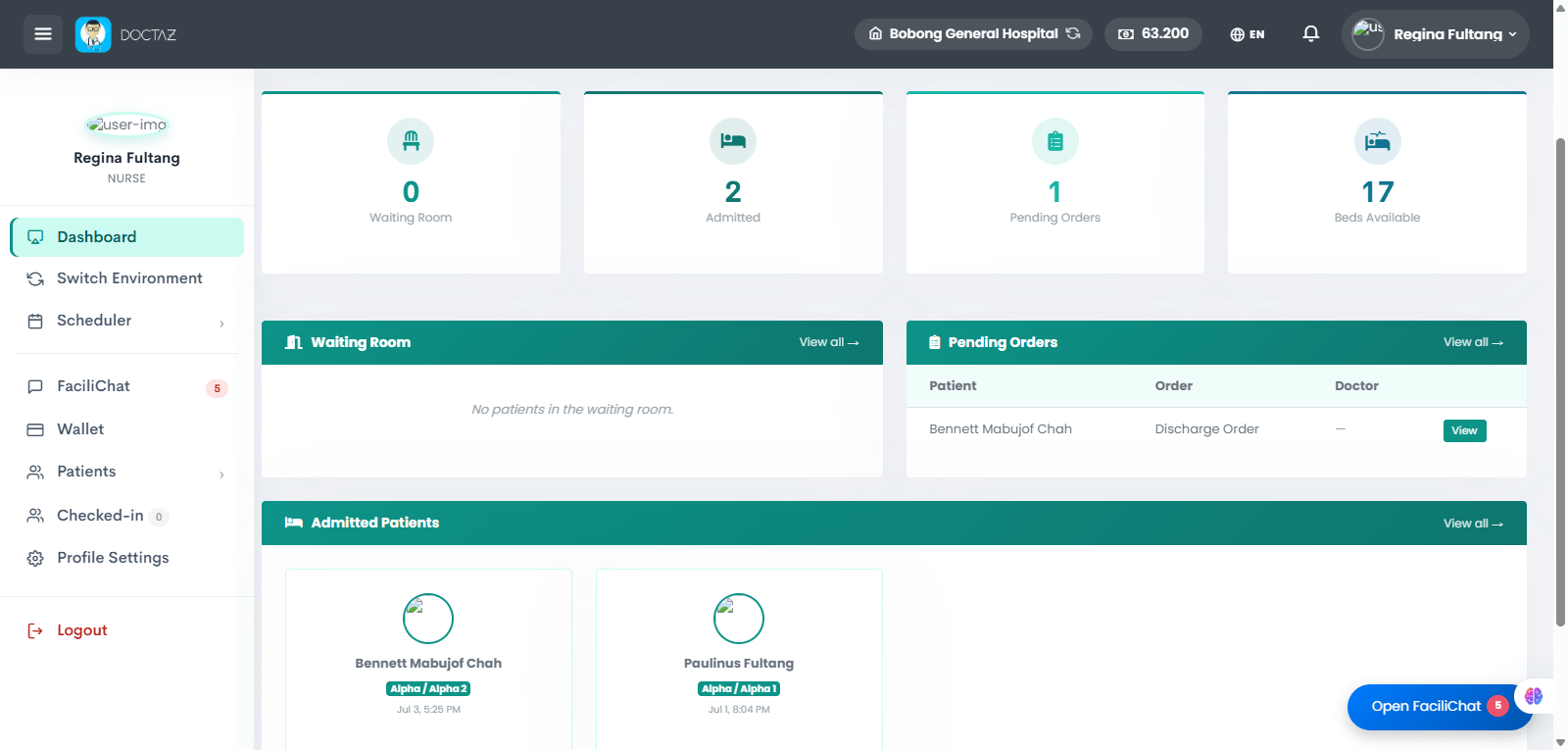
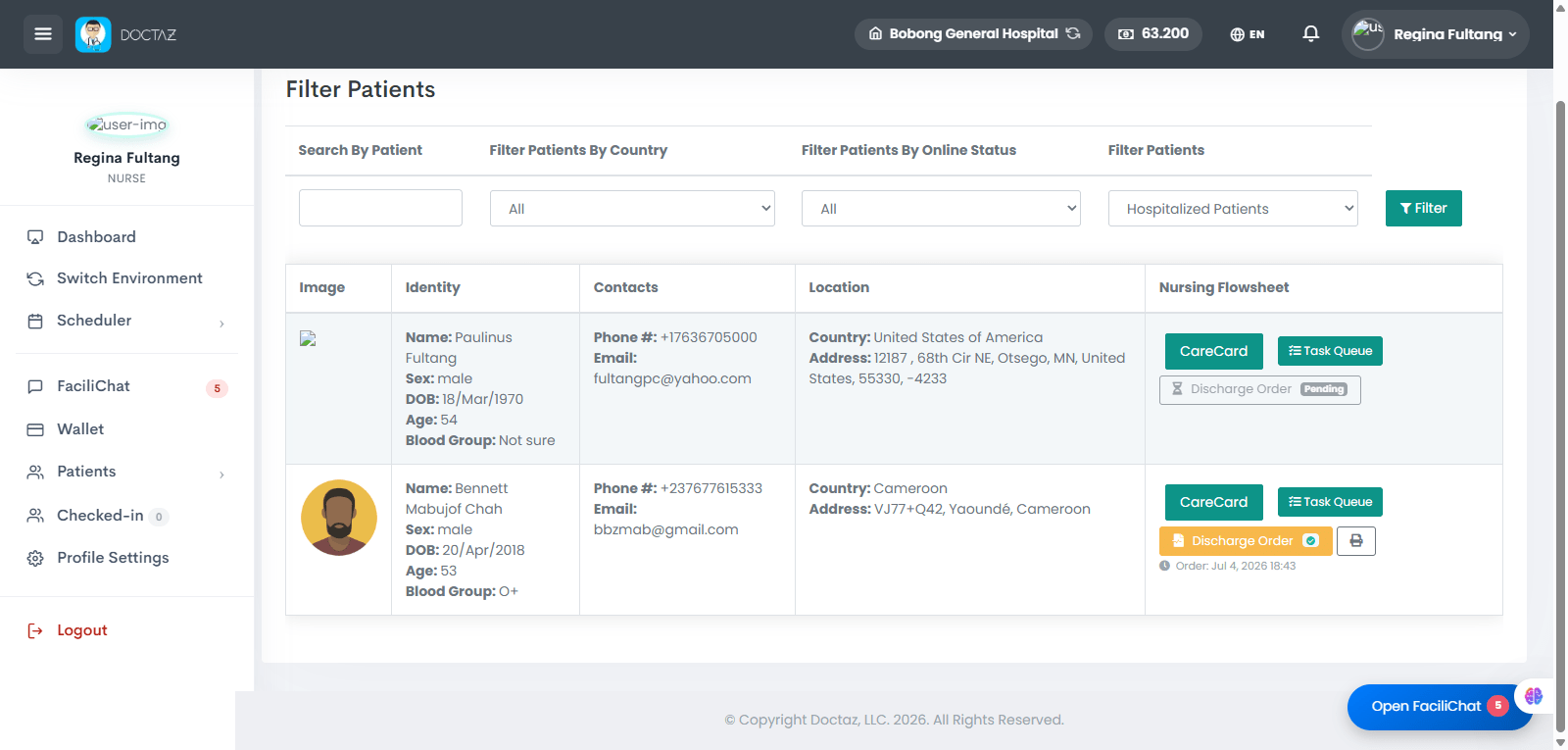
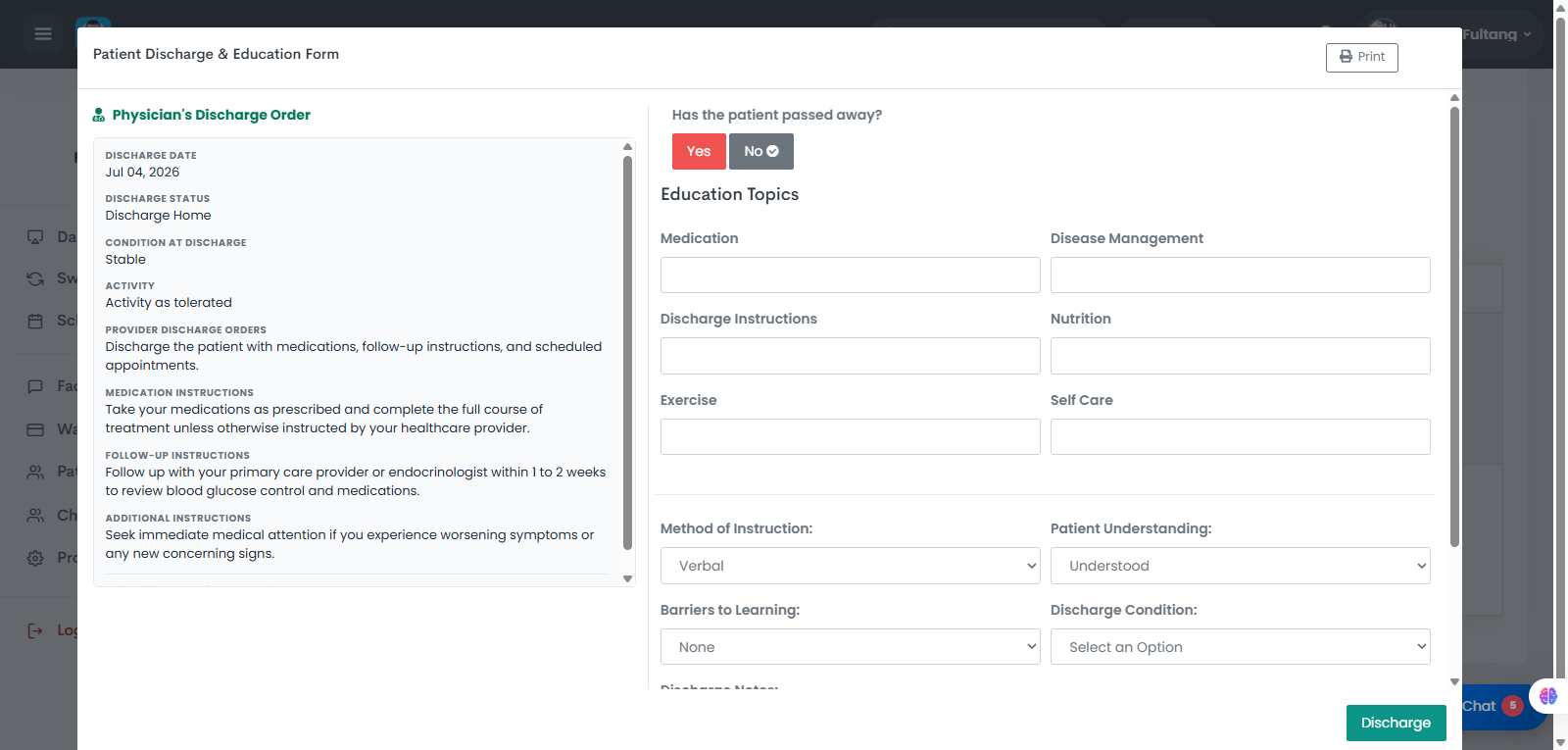
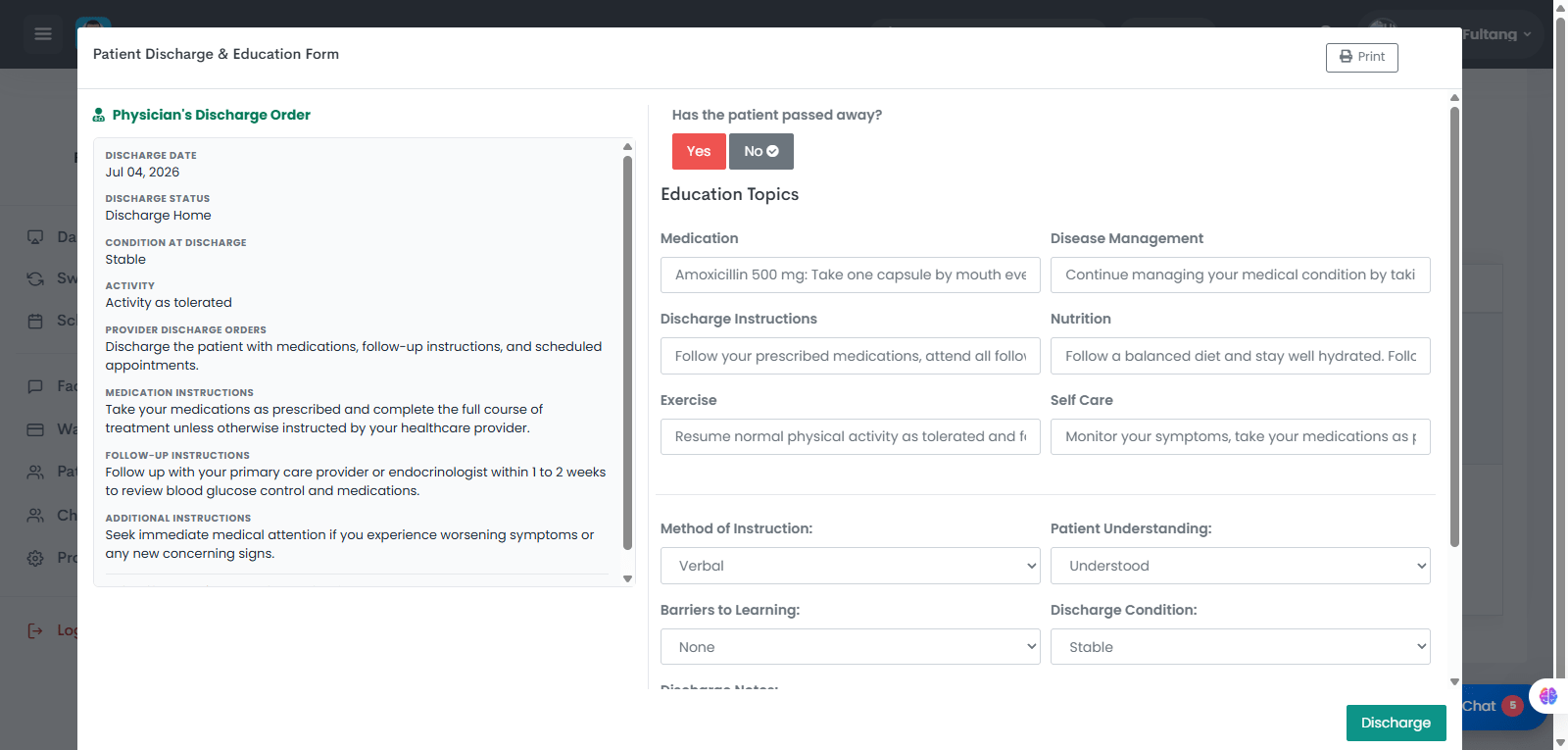
STEP 01 / 06Provider Opens the Patient's Health RegistryThe provider accesses the patient's Health Registry and selects Discharge Order to begin the discharge process.STEP 02 / 06Provider Completes the Discharge OrderThe provider documents the discharge plan by selecting the discharge destination, patient condition, activity level, diet, and enters discharge orders, medication instructions, follow-up instructions, and additional instructions before submitting the order.STEP 03 / 06Nurse Receives the Discharge OrderAfter the provider submits the discharge order, it automatically appears in the nurse's Pending Orders queue for review and processing.STEP 04 / 06Discharge Order Appears on the Patient ListThe patient's record is automatically updated to display a highlighted Discharge Order indicator, allowing the nurse to quickly identify patients awaiting discharge.STEP 05 / 06Nurse Opens the Discharge OrderThe nurse selects the patient's Discharge Order to review the provider's instructions and open the Patient Discharge & Education Form.STEP 06 / 06Nurse Completes Patient Education and DischargeThe nurse documents discharge education, reviews medications, disease management, nutrition, exercise, self-care instructions, verifies patient understanding, records the patient's discharge condition, and completes the discharge process.