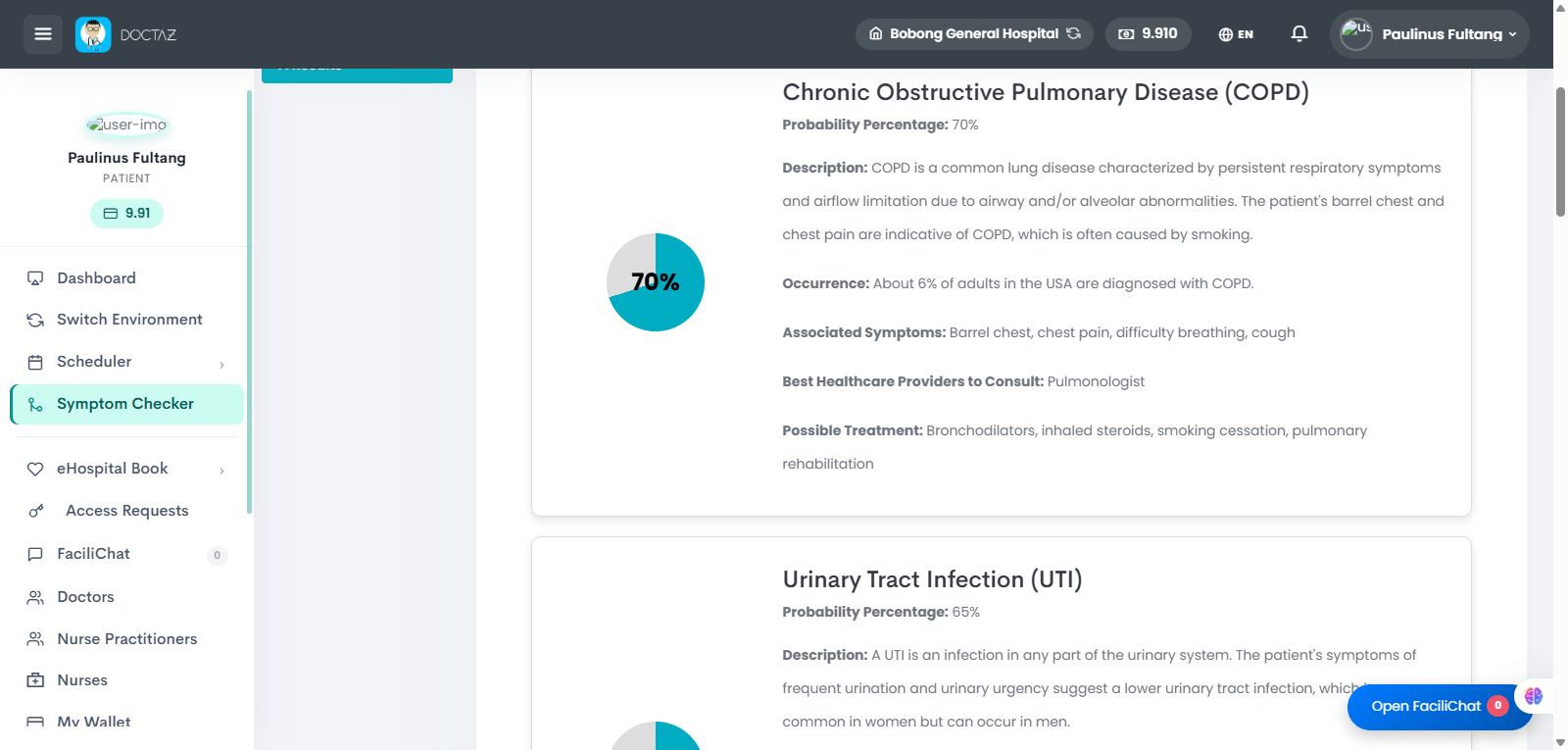
The Symptom Checker helps patients assess their symptoms, receive possible health insights, and determine the appropriate level of care before consulting a healthcare provider.
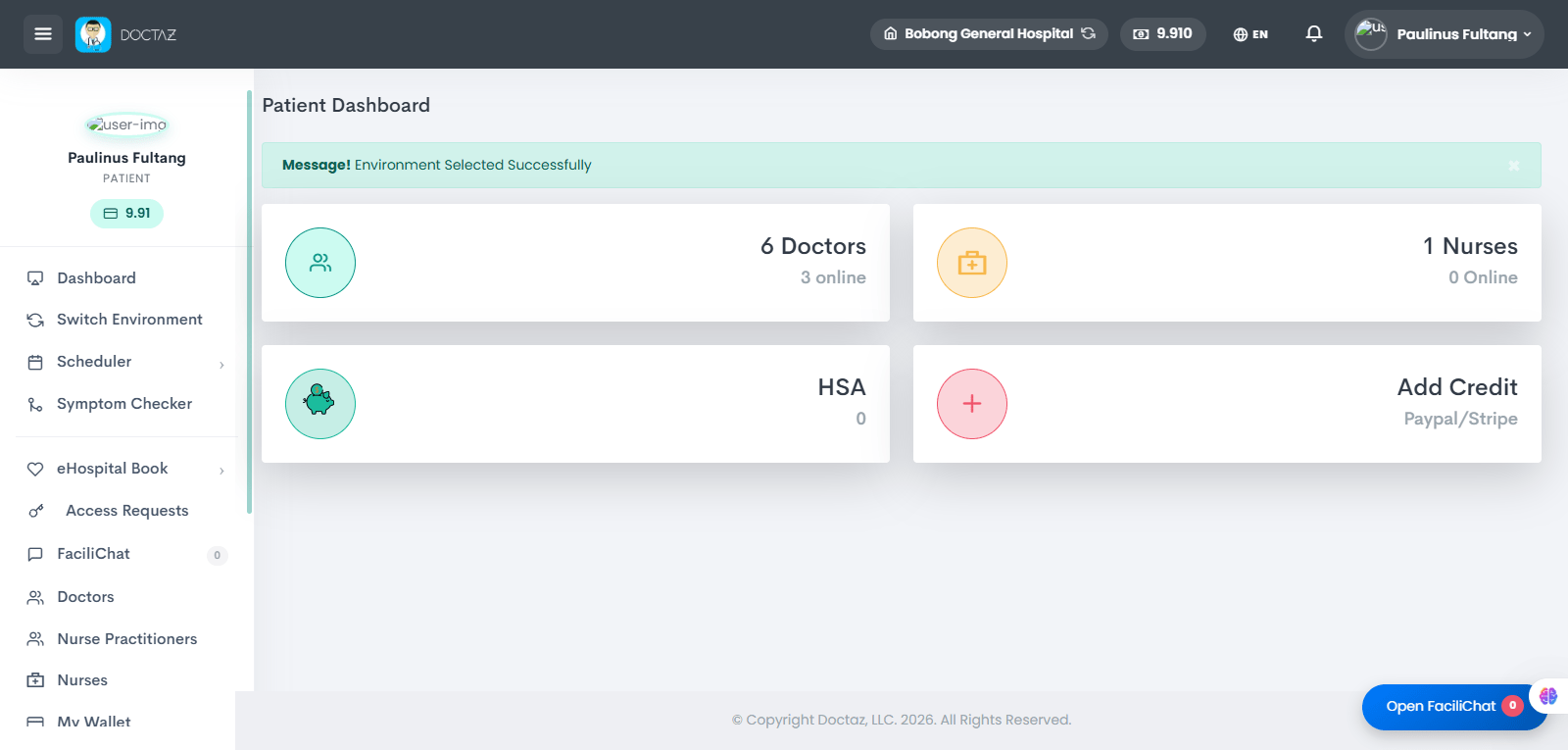
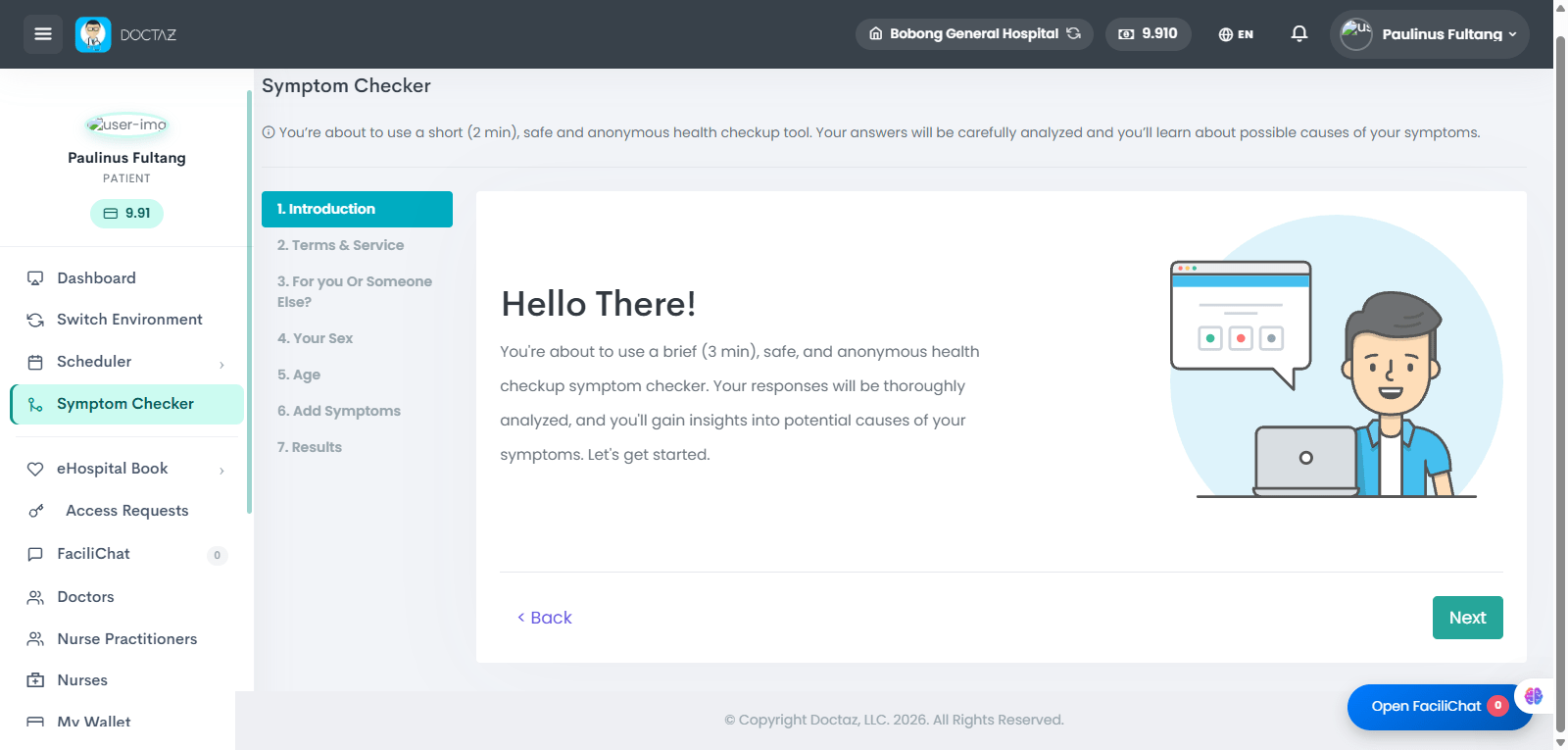
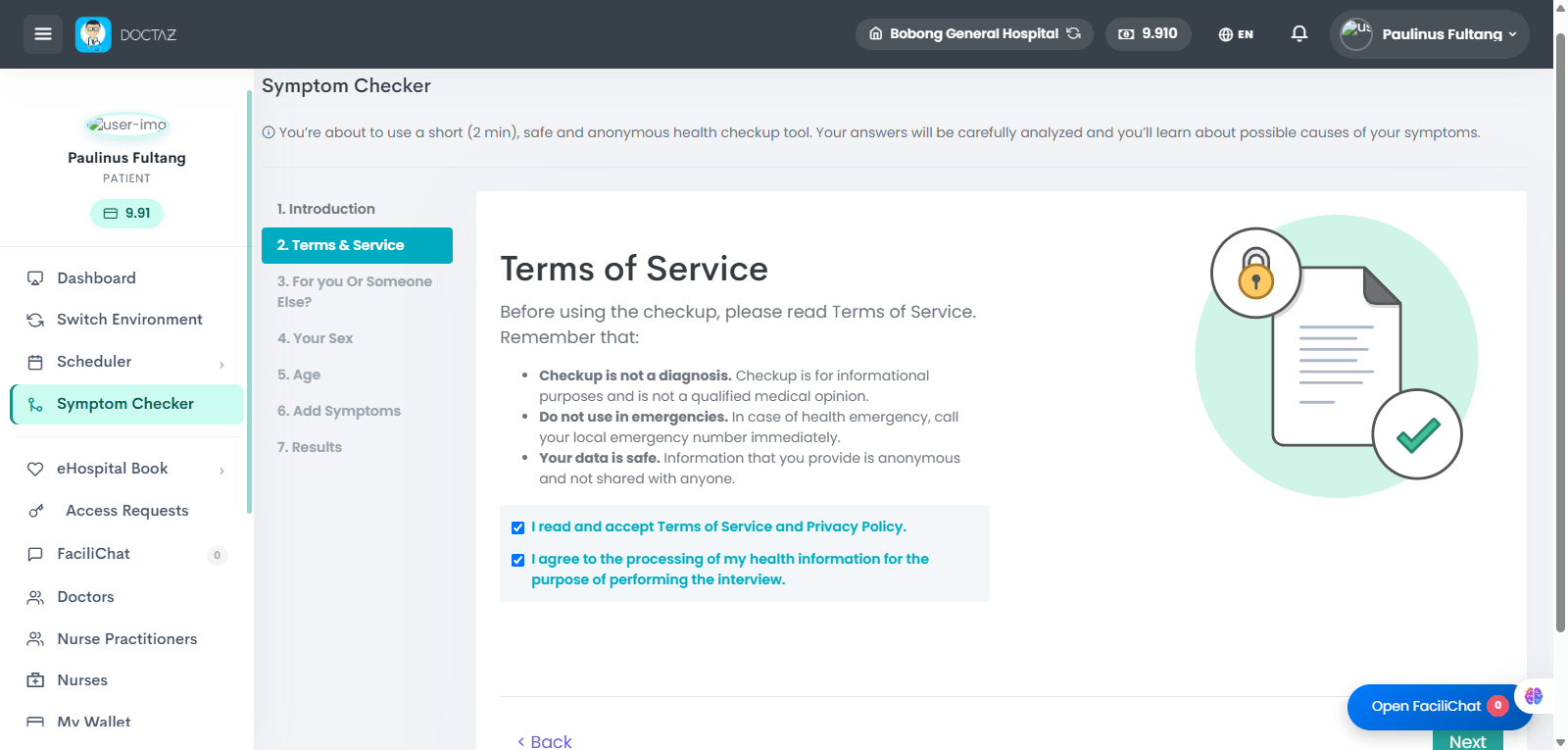
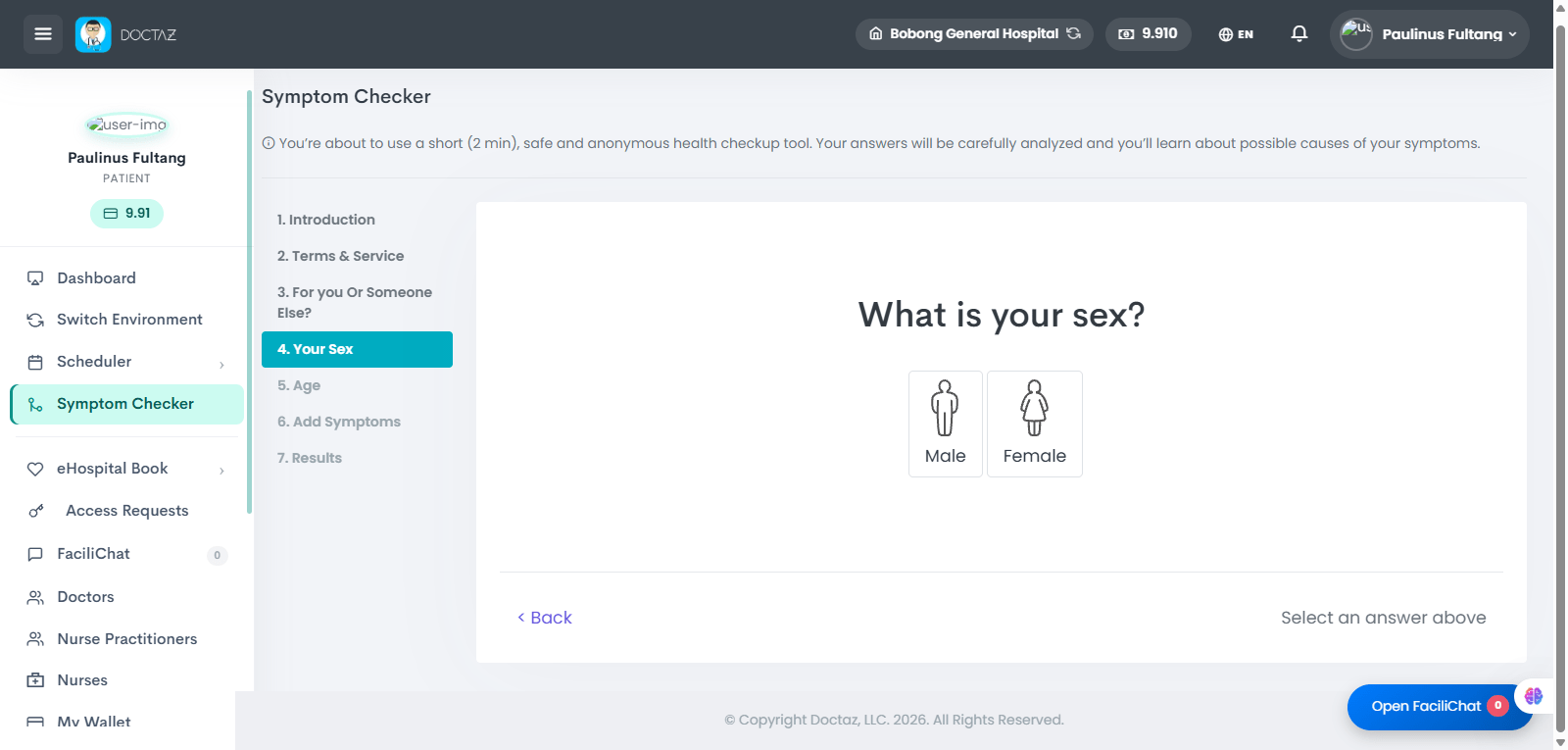
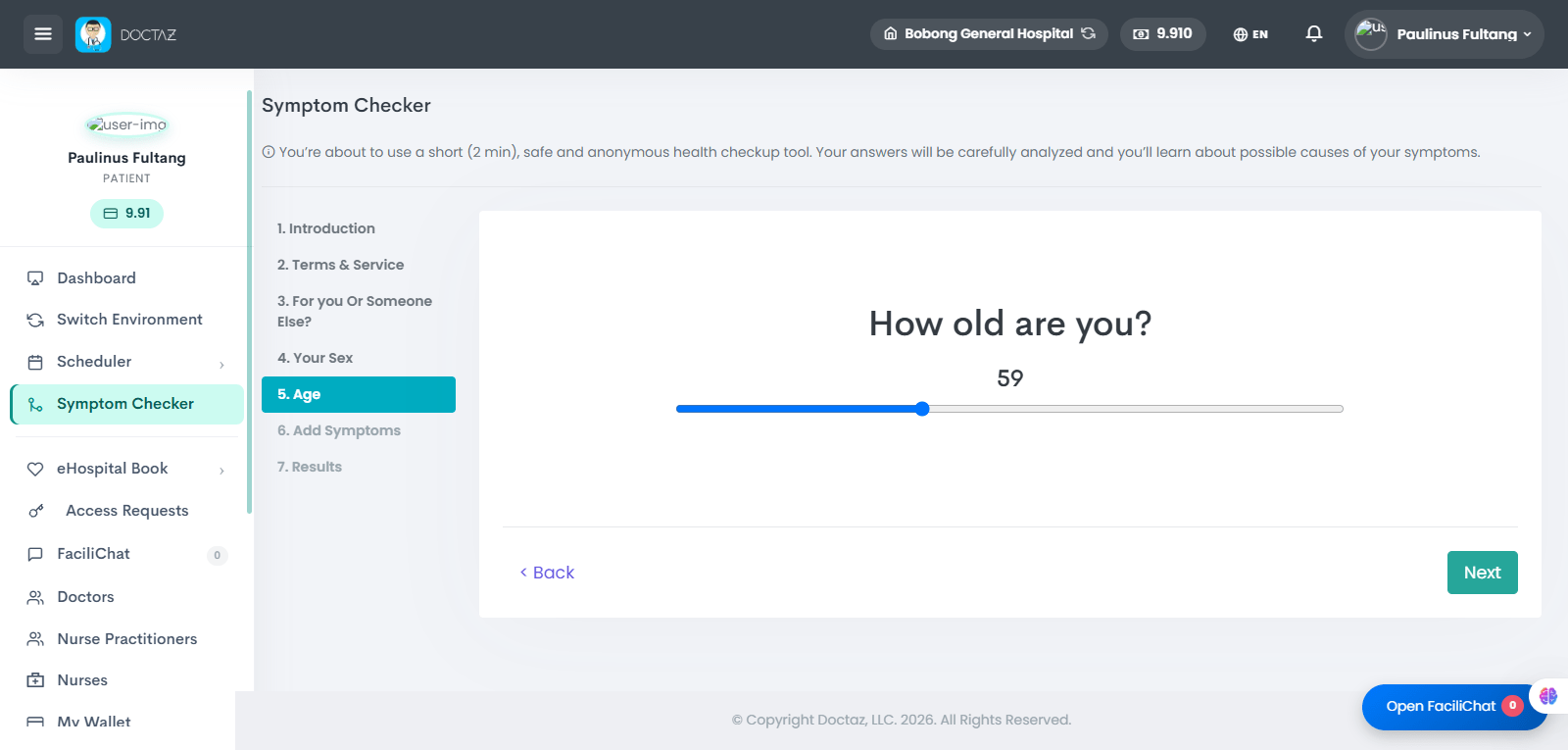
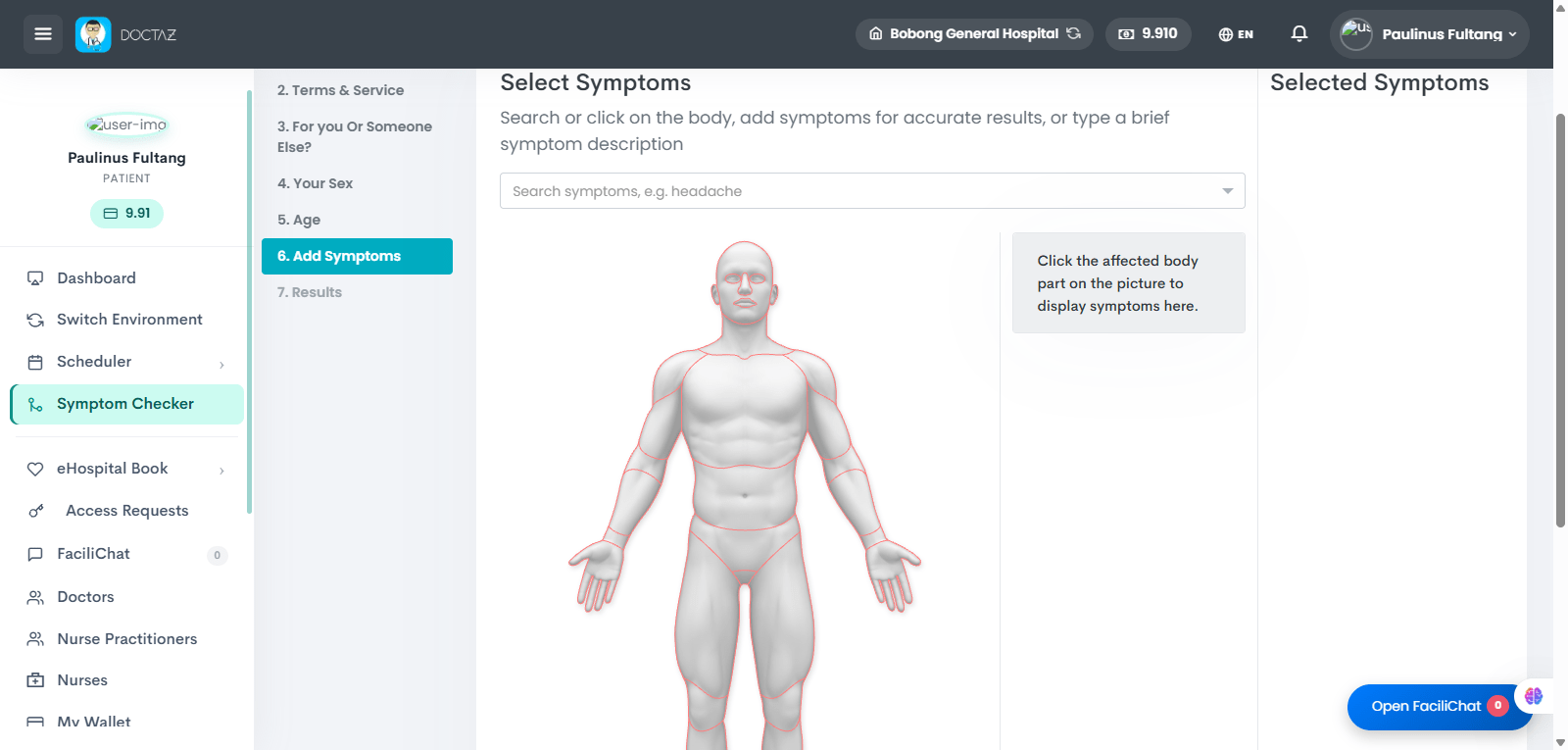
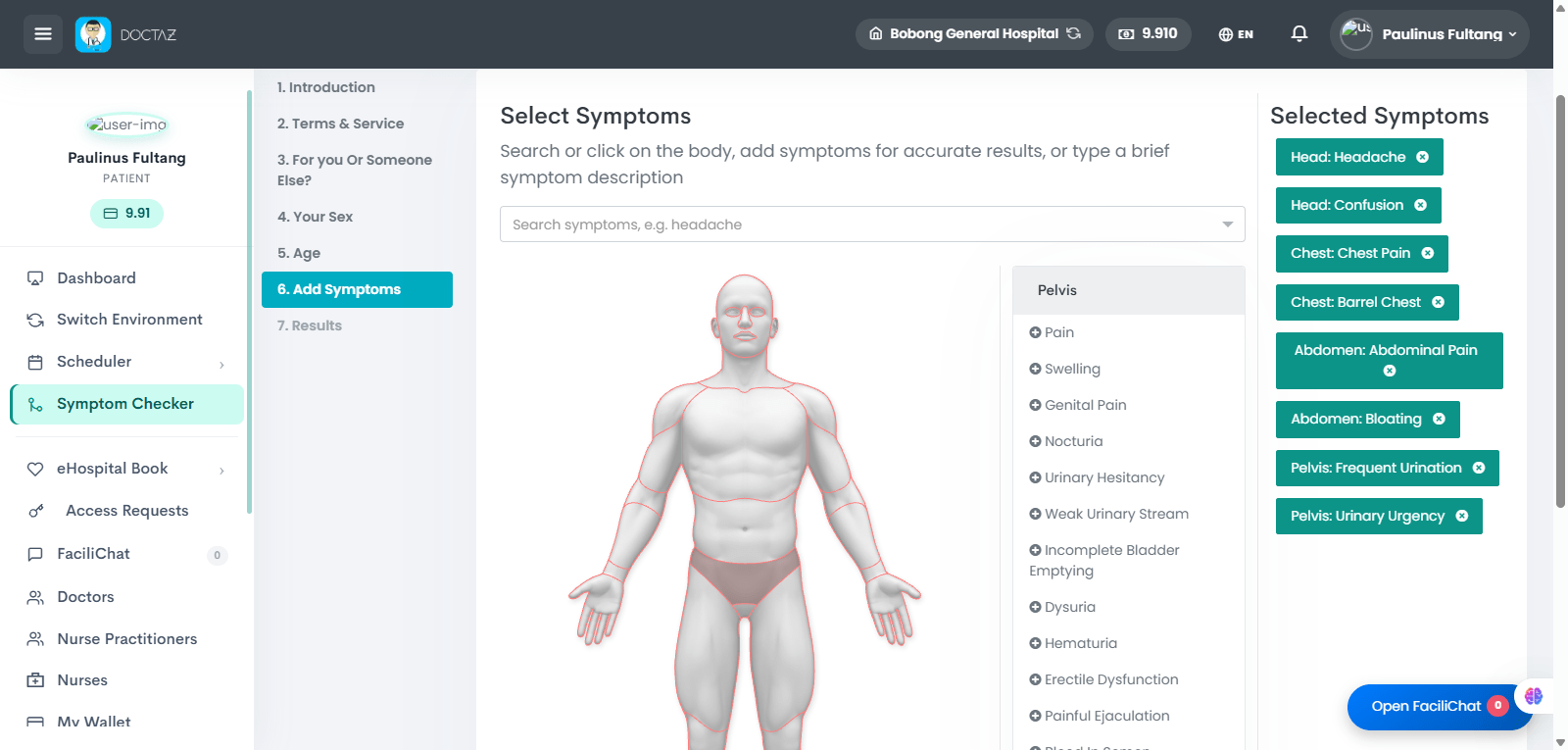
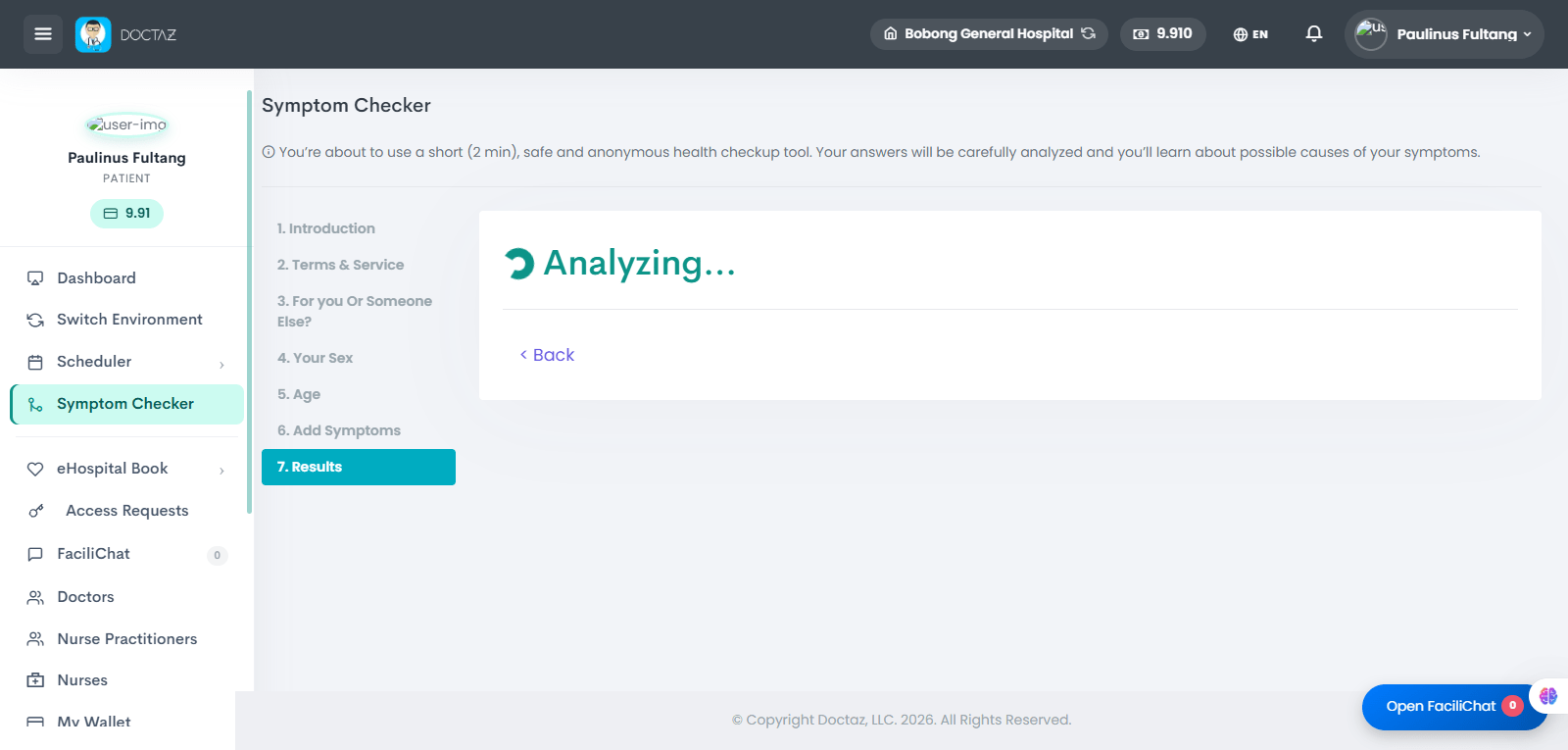
STEP 01 / 09Patient DashboardPatient opens the dashboard and selects Symptom Checker.STEP 02 / 09IntroductionThe system explains that the symptom check is brief, safe, and used to help identify possible causes of symptoms.STEP 03 / 09Terms & ServicePatient accepts the terms, privacy policy, and consent for health information processing.STEP 04 / 09Select UserPatient confirms whether the checkup is for themselves or someone else.STEP 05 / 09Select SexPatient selects male or female to help personalize symptom analysis.STEP 06 / 09Enter AgePatient enters age so the system can tailor symptom results.STEP 07 / 09Add SymptomsPatient searches symptoms or selects affected body areas from the body diagram.STEP 08 / 09Review Selected SymptomsThe system displays all selected symptoms for confirmation before analysis.STEP 09 / 09View ResultsThe system analyzes the symptoms and displays possible conditions, probability, related symptoms, suggested provider type, and possible treatment options.