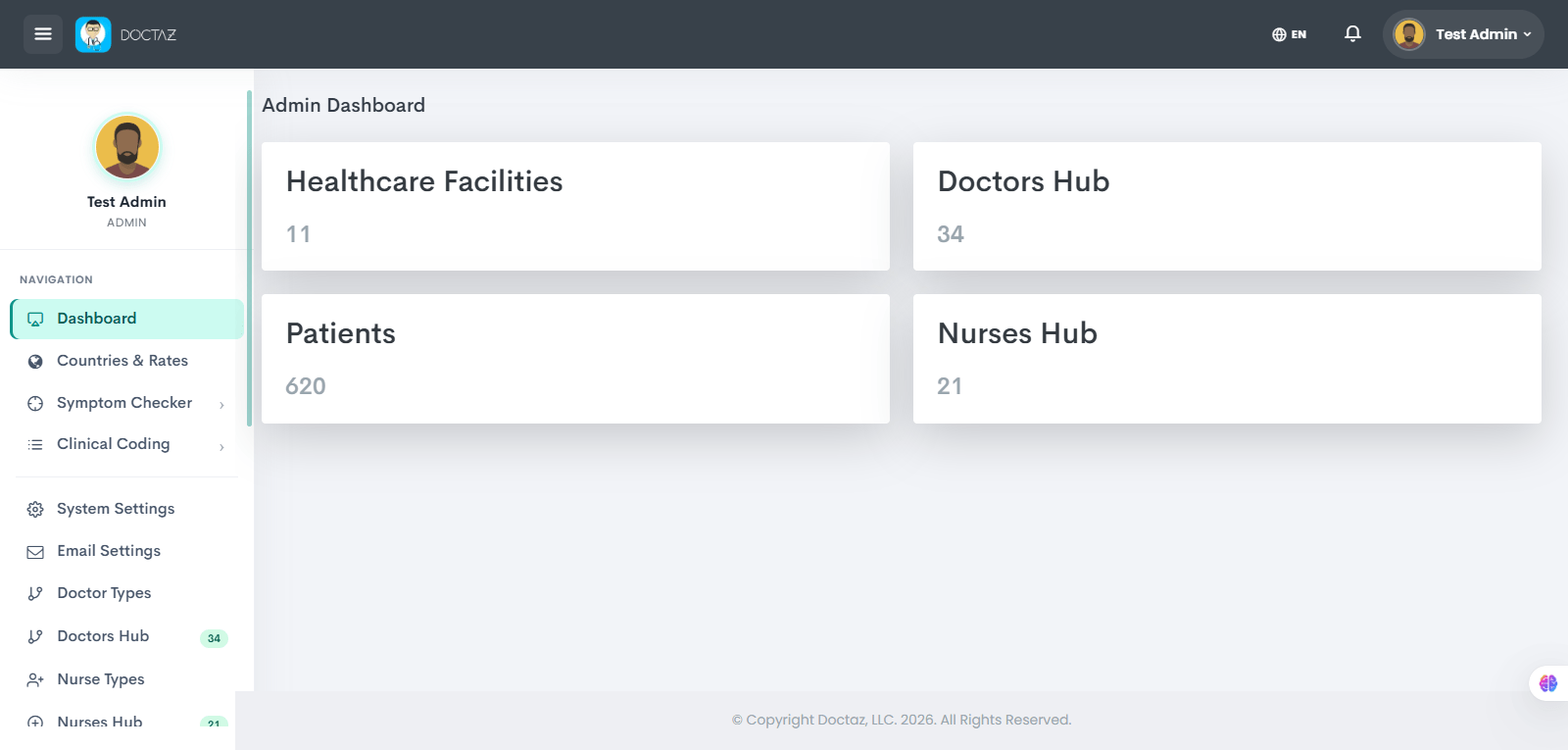
This process guides doctors through creating a Doctaz account, submitting professional and verification information, obtaining administrative approval, and accessing the Doctor Dashboard.
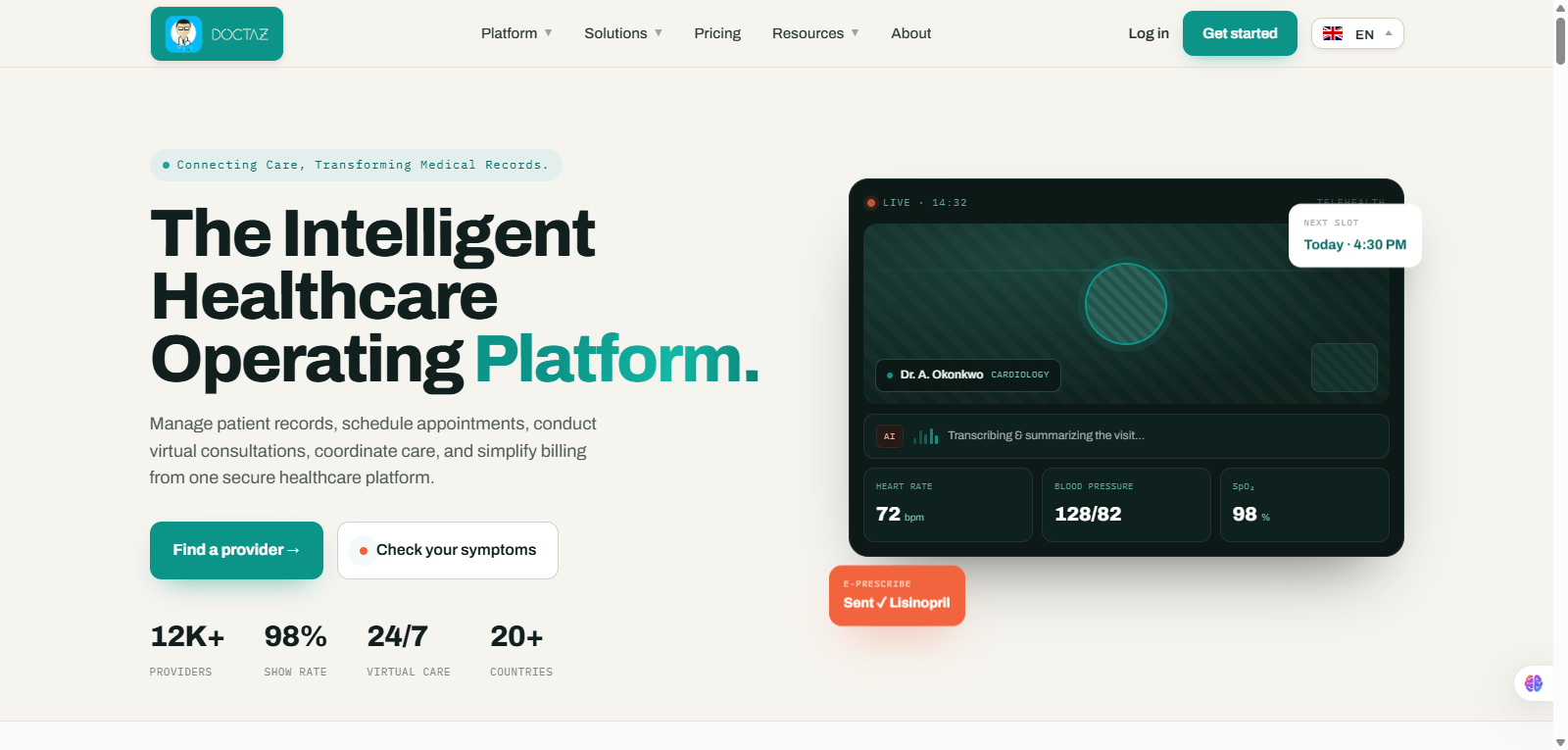
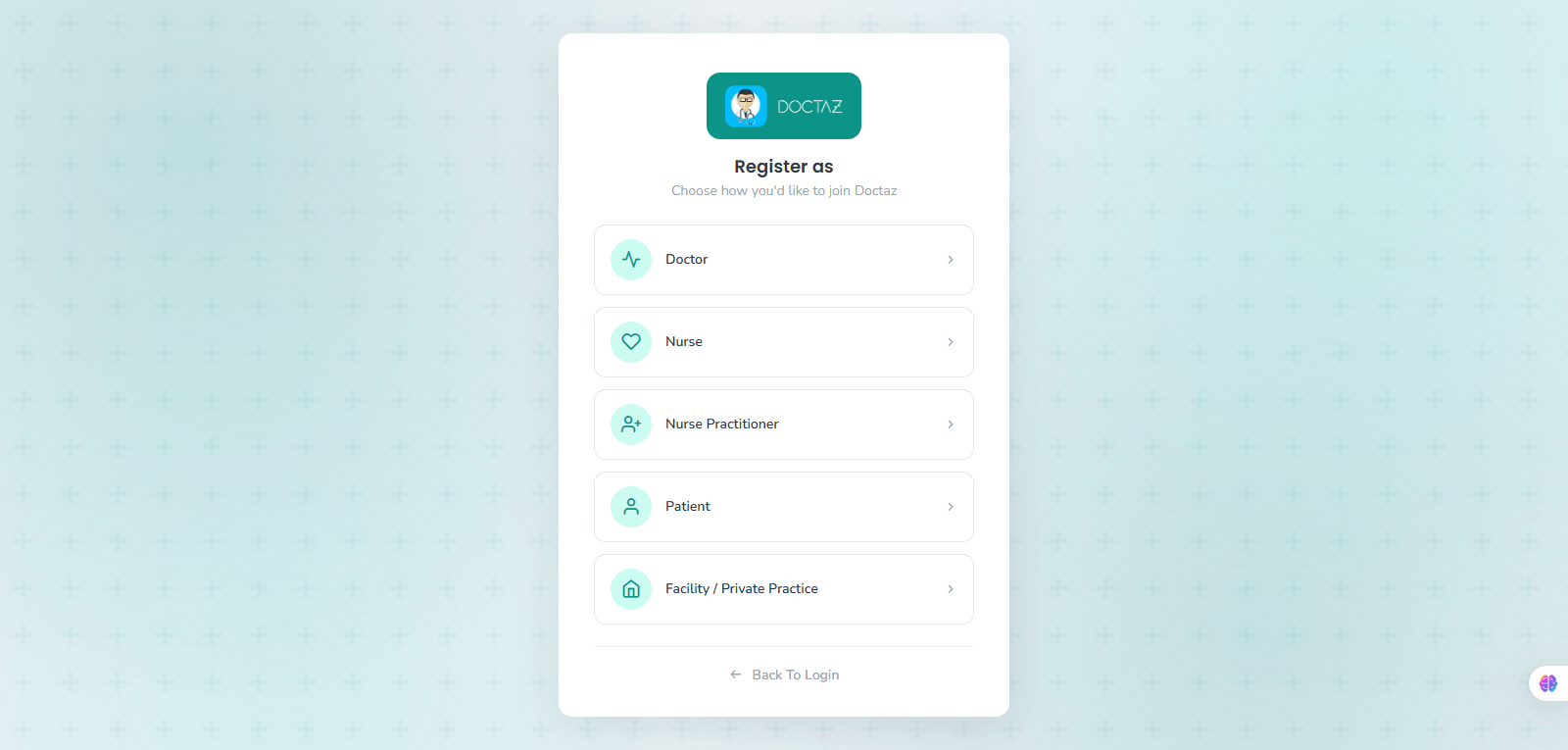
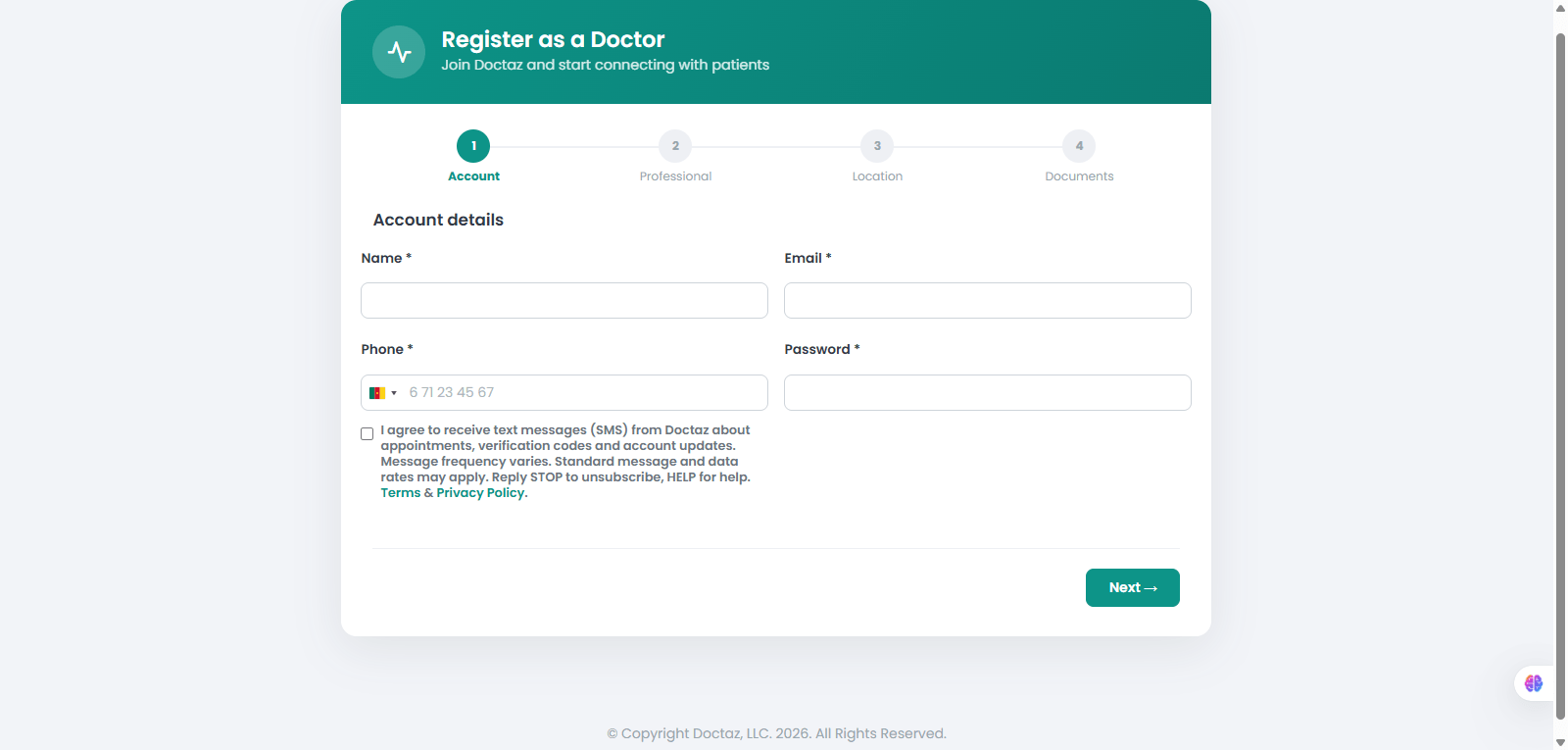
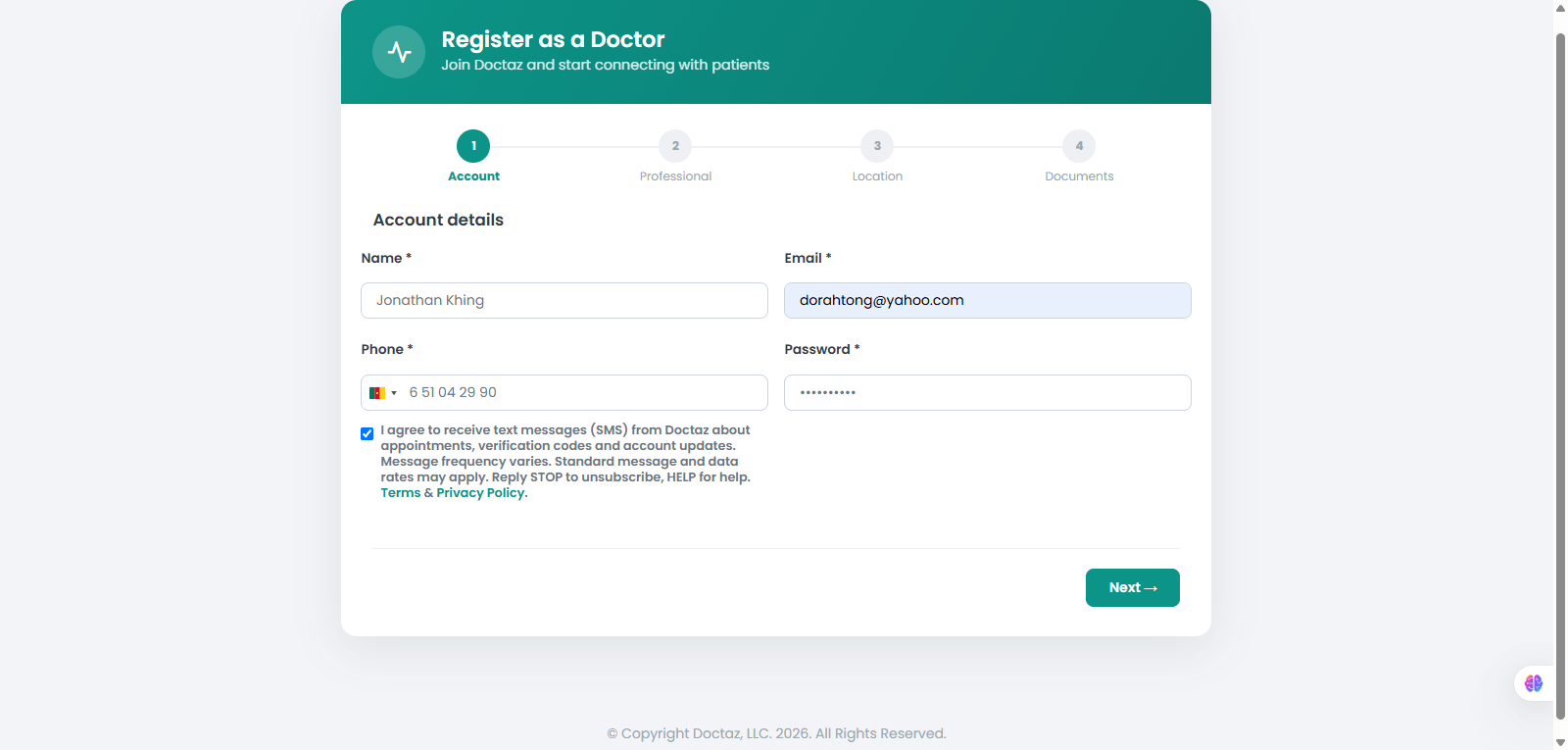
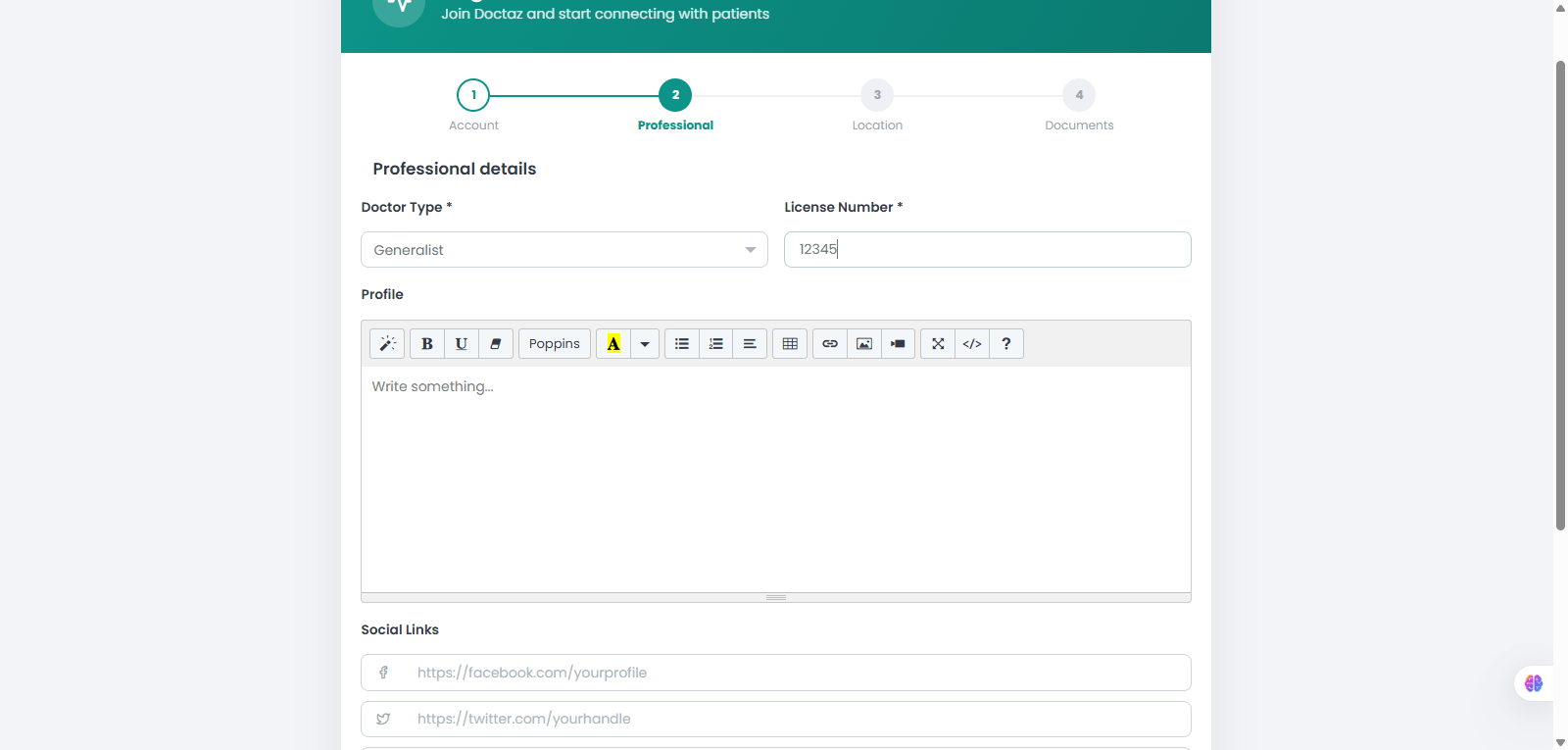
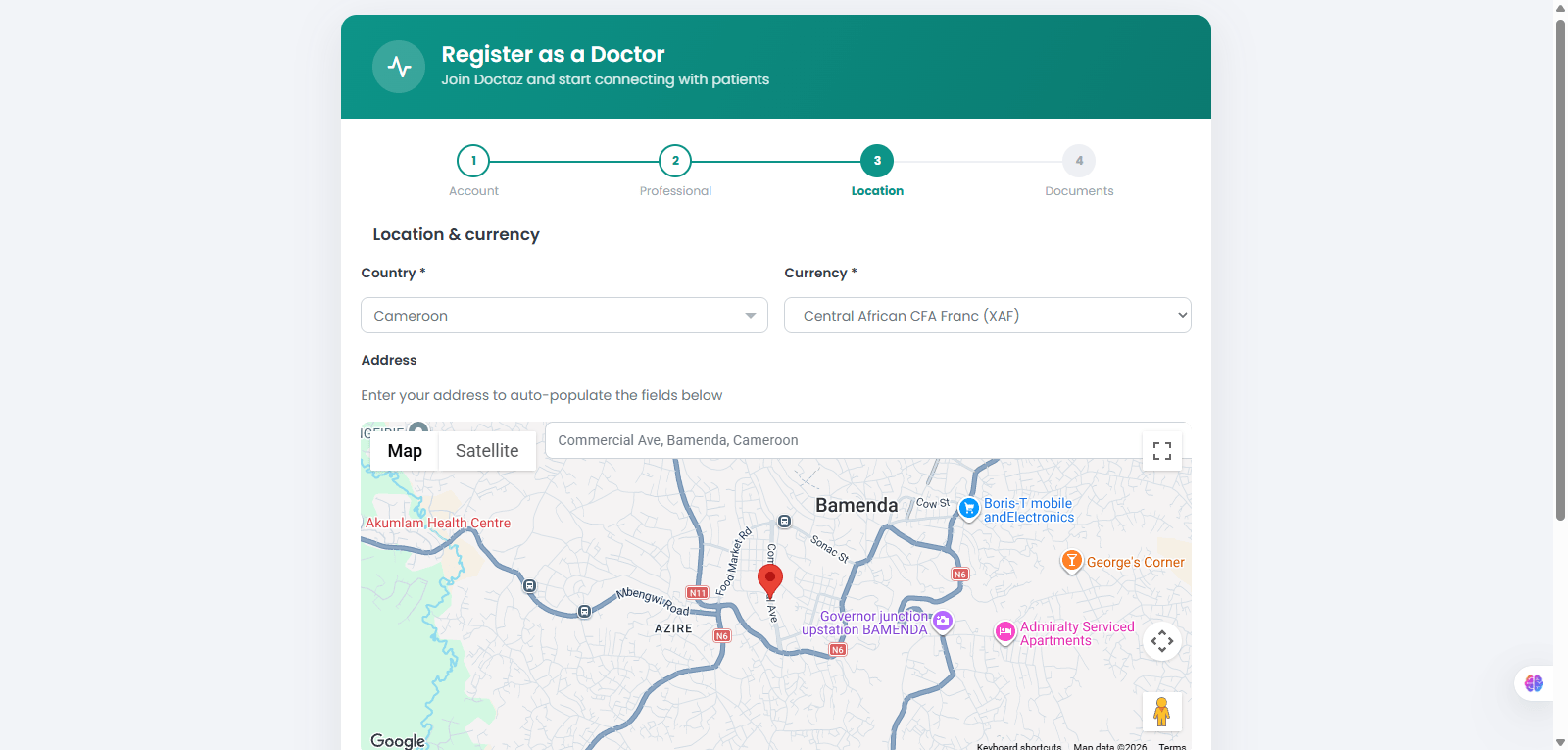
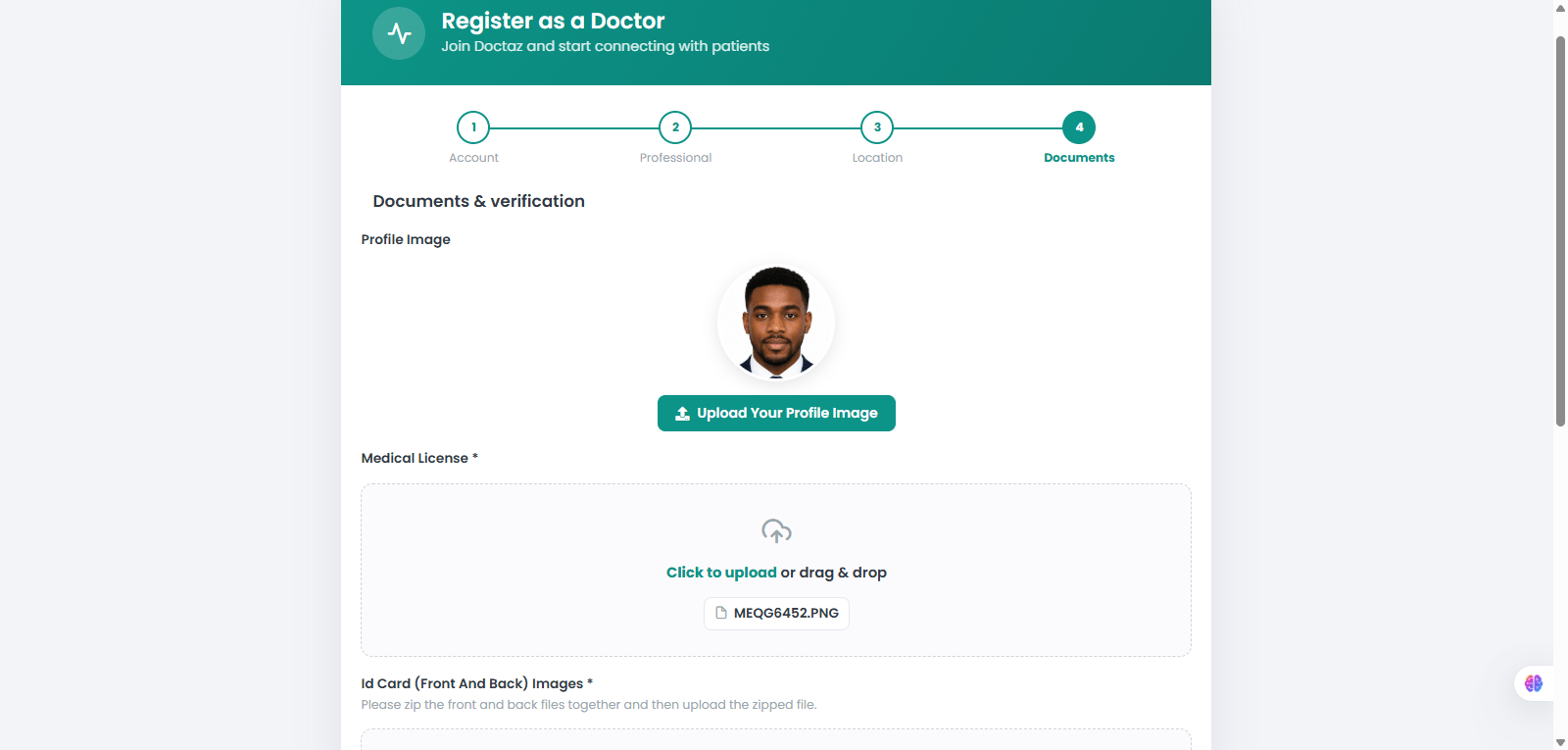
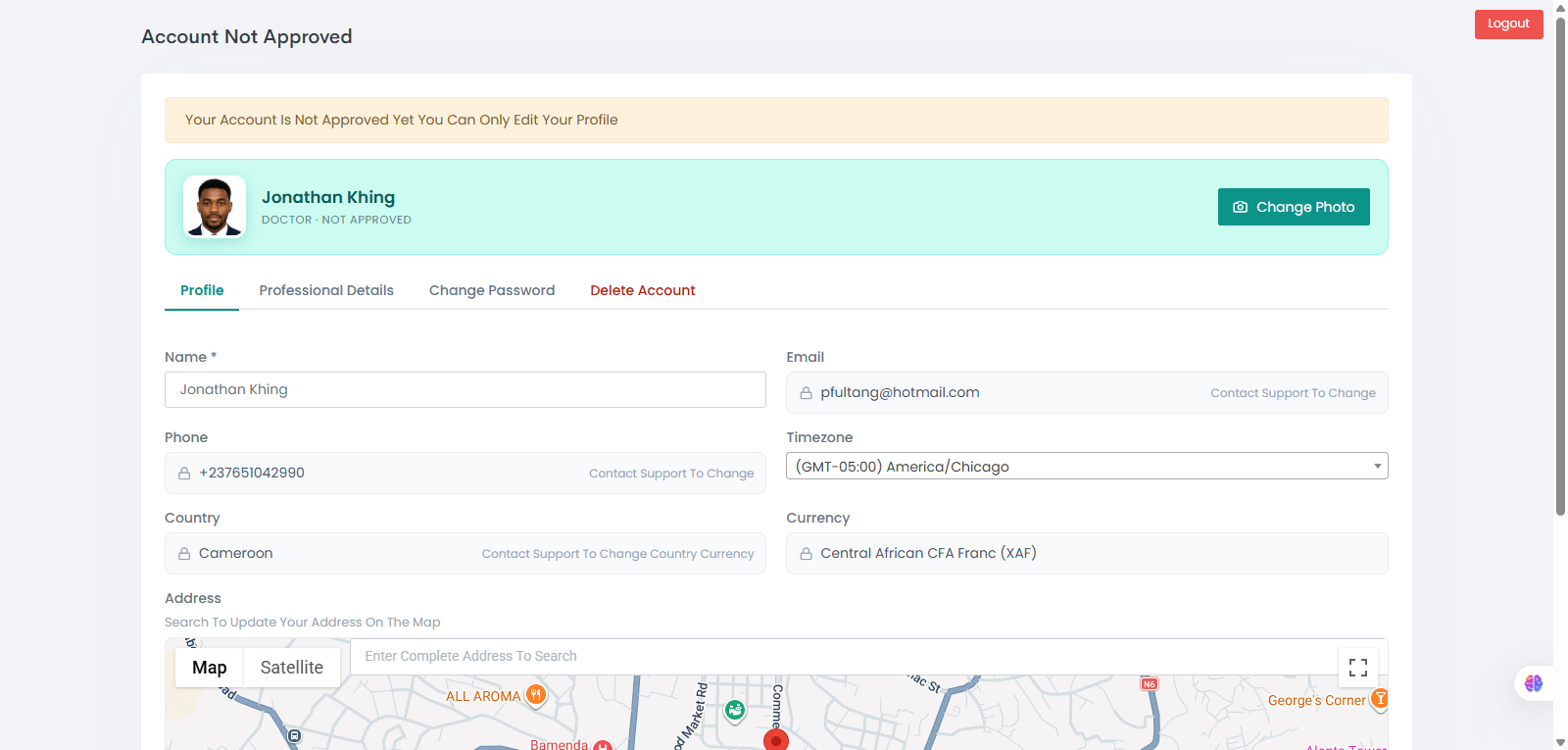
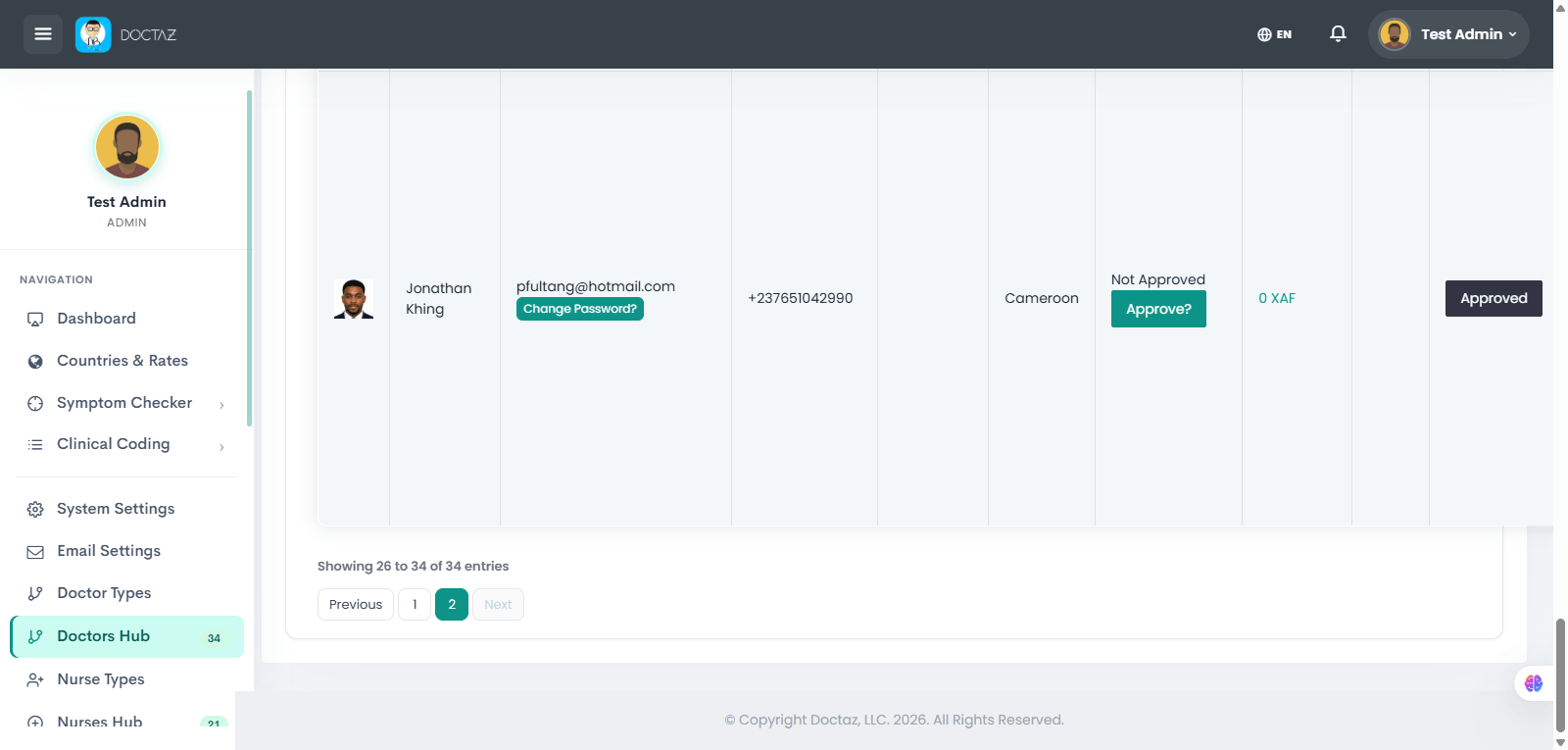
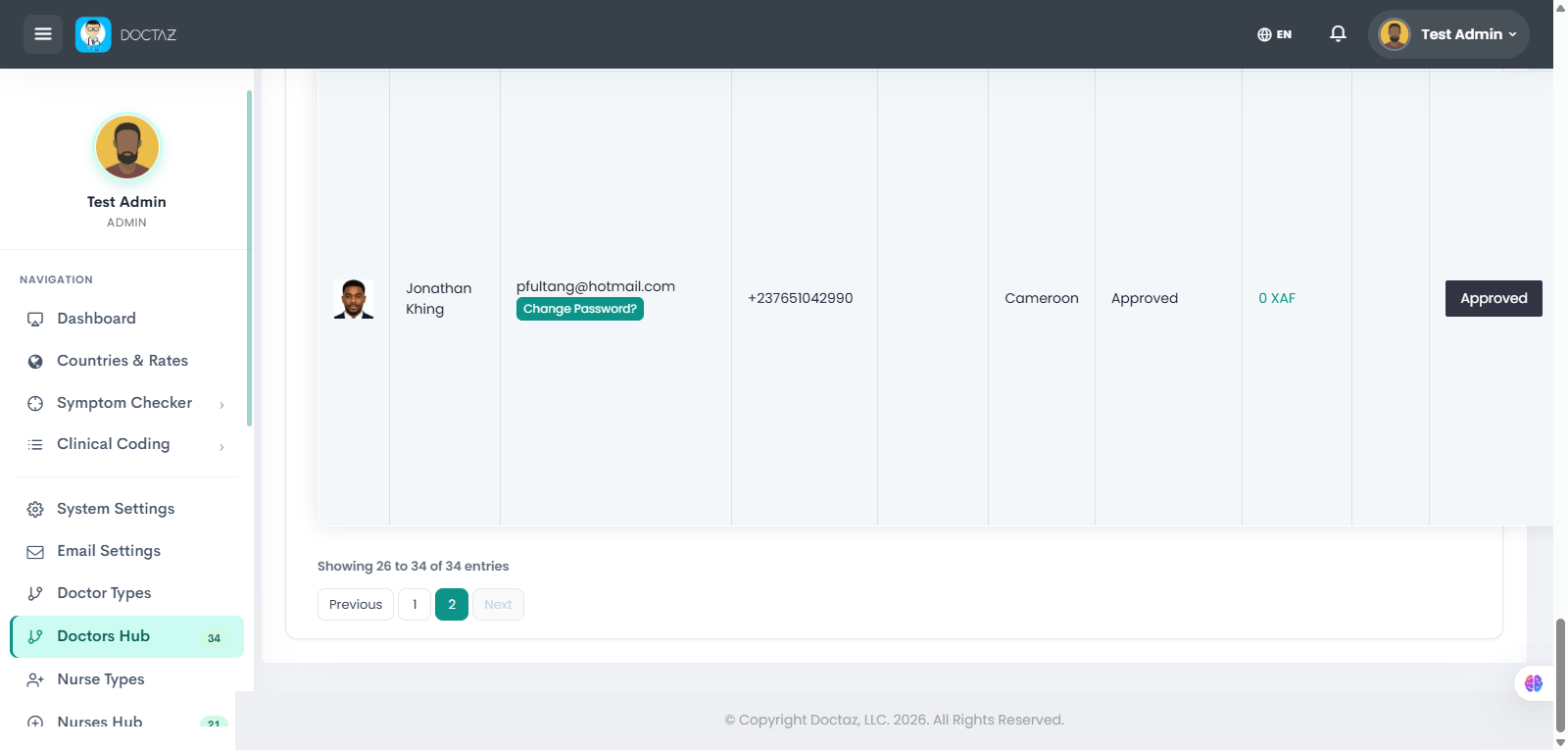
STEP 01 / 11Access DoctazOpen the Doctaz website and click Get Started.STEP 02 / 11Select Registration TypeChoose Doctor from the registration options.STEP 03 / 11Enter Account DetailsProvide your name, email, phone number, password, and accept the terms to create your account.STEP 04 / 11Complete Account InformationReview and confirm the account details, then click Next.STEP 05 / 11Enter Professional DetailsSelect your doctor type, enter your license number, and provide your professional profile and social links.STEP 06 / 11Provide Location InformationSelect your country and currency, then enter your practice location.STEP 07 / 11Upload Verification DocumentsUpload your profile photo, medical license, identification documents, and other required files.STEP 08 / 11Await ApprovalRegistration is submitted. The account remains pending until reviewed by an administrator.STEP 09 / 11Review RegistrationThe administrator reviews the doctor's registration in the Doctors Hub.STEP 10 / 11Approve AccountThe administrator approves the doctor's account, changing the status to Approved.STEP 11 / 11Access Doctor DashboardOnce approved, the doctor can sign in and access the Doctor Dashboard and platform features.